
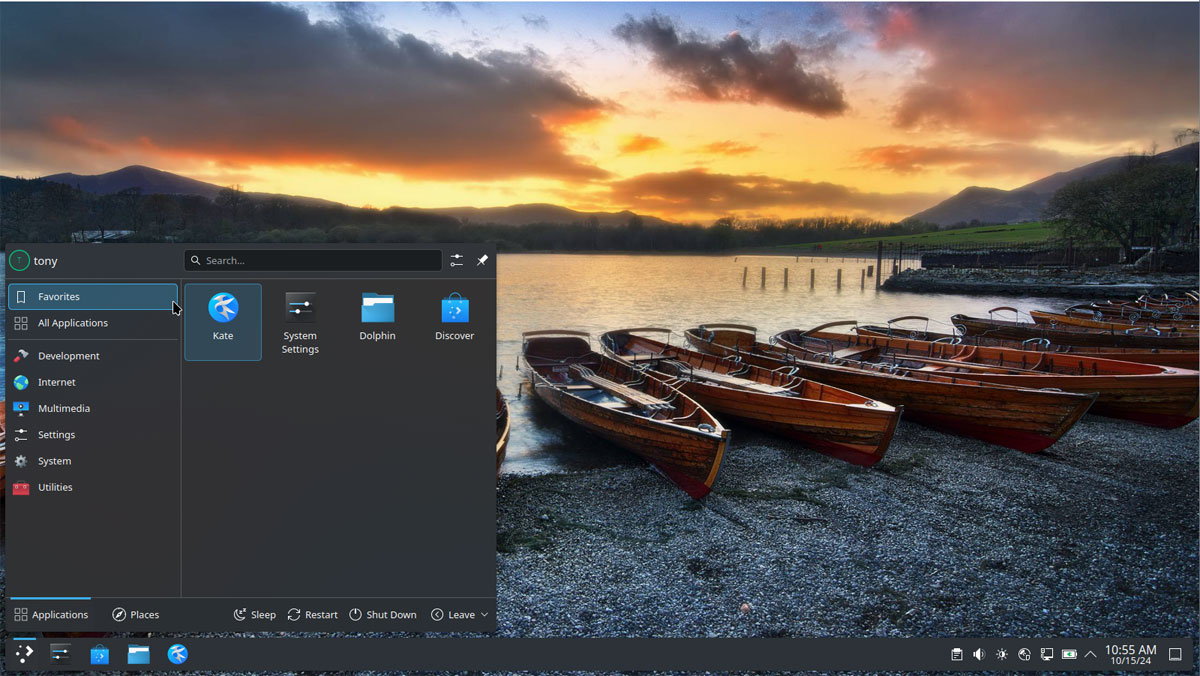
💡 Quick Review: KDE Plasma at a Glance
KDE Plasma balances massive visual flair with lightweight system efficiency. Here is what you need to know about setting it up right:
- The Customization Edge: Plasma features modular layouts, global dark themes, night light filters, and window decorations that let you modify your visual aesthetic instantly.
- Software Manager Warning: While the built-in “Discover” center is great for desktop widgets and icon packs, do not use it for core system upgrades. It can cause backend conflicts on Arch-based systems.
- The Best Update Methods: For core application updates and system maintenance, rely on the native CachyOS Package Manager, standard terminal tools (
paruoryay), or Flatpaks.
Why Choose KDE Plasma?
KDE Plasma offers a sleek, modern, and deeply customizable interface designed for both performance and productivity. It introduces robust window management, fluid animations, and highly responsive user navigation. Running natively on Wayland, Plasma ensures smooth multi-monitor support, excellent fractional scaling, and stellar application launch times while maintaining remarkably low system resource usage. For modern, performance-oriented systems like CachyOS, it strikes the perfect balance between visual flair and lightweight efficiency.
My Journey to Plasma
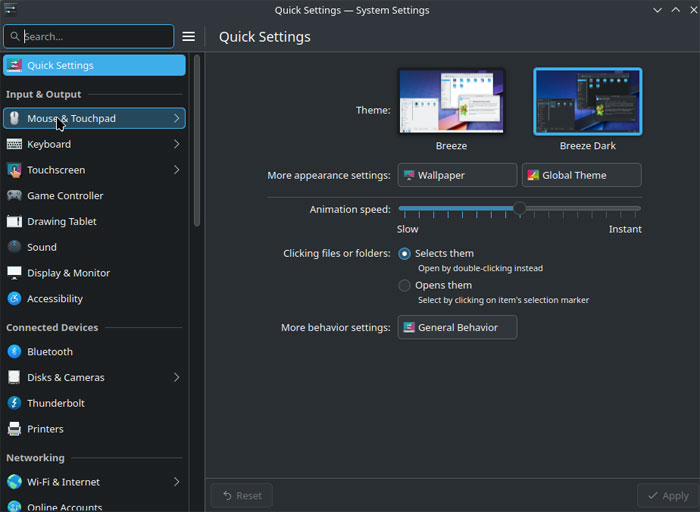
I originally used KDE Plasma during my time on Arch Linux, coming directly from Linux Mint’s Cinnamon desktop environment. While Cinnamon is an excellent, familiar desktop, Plasma took customizability to a completely different level. The ease of use is remarkable—out of the box, it provides a familiar, clean workflow, but gives you the keys to change absolutely everything, from the core desktop behavior down to the precise layout of the system settings.
Software Management on Arch/CachyOS
A common point of confusion for new users is the KDE “Discover” software center. While Discover is excellent for downloading and updating local desktop widgets, extensions, and icon packs, it is not recommended for managing core system packages on an Arch-based distribution. Relying on backends like PackageKit can cause package management conflicts. Instead, for core applications and system maintenance, it is best to use:
- The CachyOS Package Manager: The built-in graphical tool optimized specifically for your system.
- The CLI (Terminal): Using
paruoryayto tap directly into the native Arch repositories and the Arch User Repository (AUR). - Flatpak: A great secondary sandbox environment for isolated applications if a package isn’t natively available in the repositories.
Terminal Efficiency with Konsole
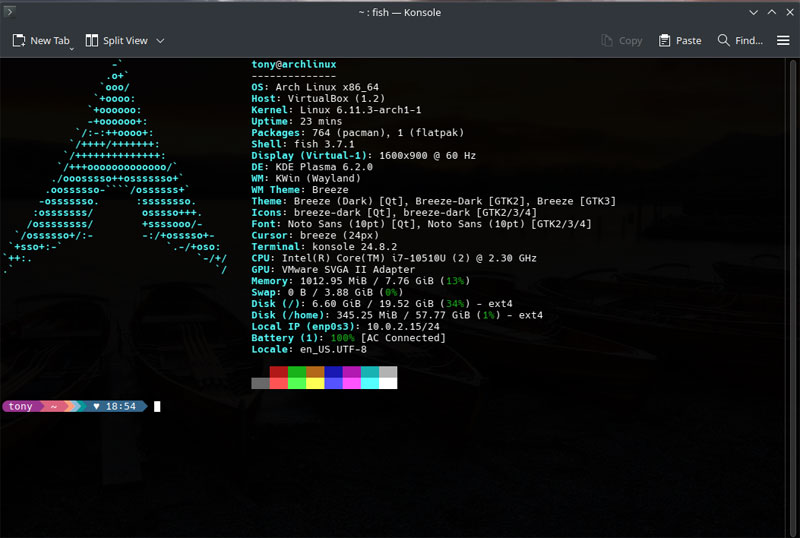
For terminal work, KDE’s native Konsole is exceptionally robust and highly customizable. While there are plenty of excellent alternative terminals in the Linux ecosystem (like Gnome Terminal, Terminator, Alacritty, or Kitty), Konsole integrates flawlessly with the Plasma desktop. Once you customize the color schemes, window transparency, and profile settings to your liking, it becomes a fast, indispensable tool for day-to-day system administration and remote support troubleshooting..
Customization Capabilities
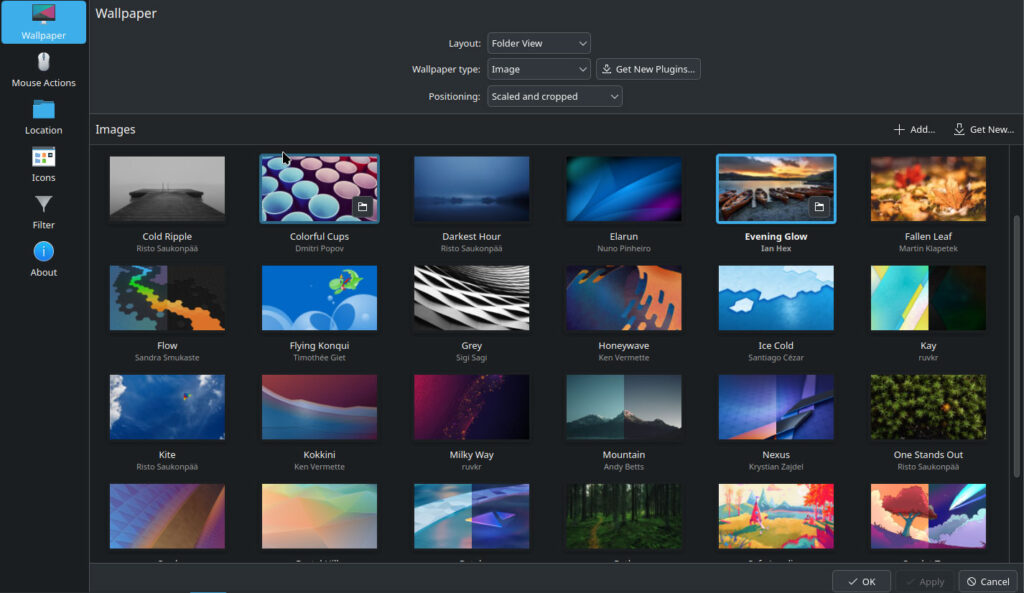
The strength of the Plasma UI lies in its modularity. Through the system settings workspace, you can easily download, apply, and mix-and-match user-submitted assets. Core customization areas include:
Night Light: Built-in blue light filtering to protect your eyes during late-night configuration sessions.
Global Themes & Colors: Instantly shift the desktop workspace between dark technical canvases and clean, high-contrast layouts.
Plasma Styles & Window Decorations: Modify the look of panels, taskbars, window borders, and control buttons.
Icons & Cursors: Apply custom asset packs to match your visual aesthetic.
System Sounds & Login Screens: Customize the entire auditory and boot-up experience of your machine.