Desktops vs. Tiling Window Managers

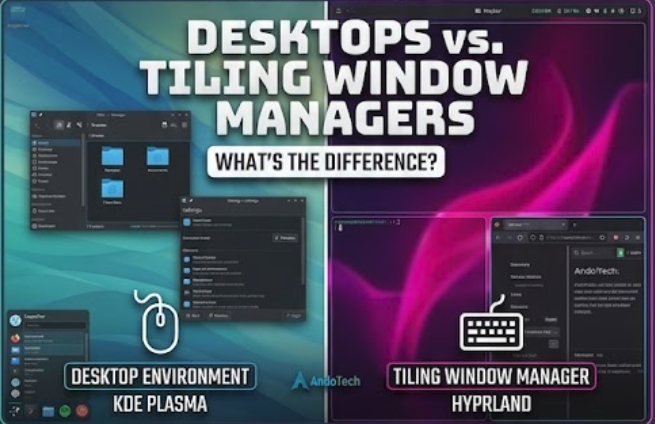
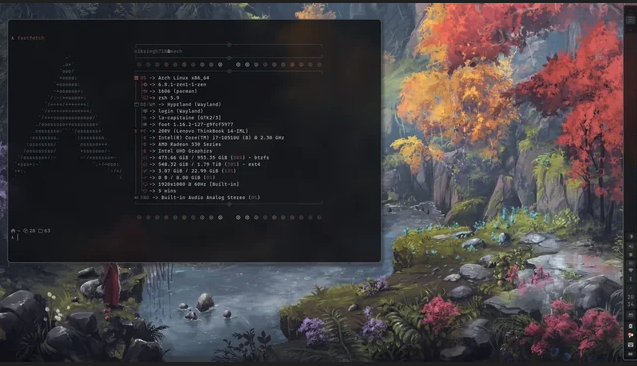
A side by side comparison banner showing the floating windows of KDE Plasma next to the tiling layout grid of Hyprland.

What’s the Difference? Introduction When you install a mainstream Linux distribution like Linux Mint or Fedora, you are greeted with a complete, ready-to-use visual interface. You have a taskbar, an application menu, a system tray, and windows that you can drag around with your mouse. But as you explore the Linux landscape, you will inevitably … Read more

Choosing a Linux Distro: Cutting Through the Noise

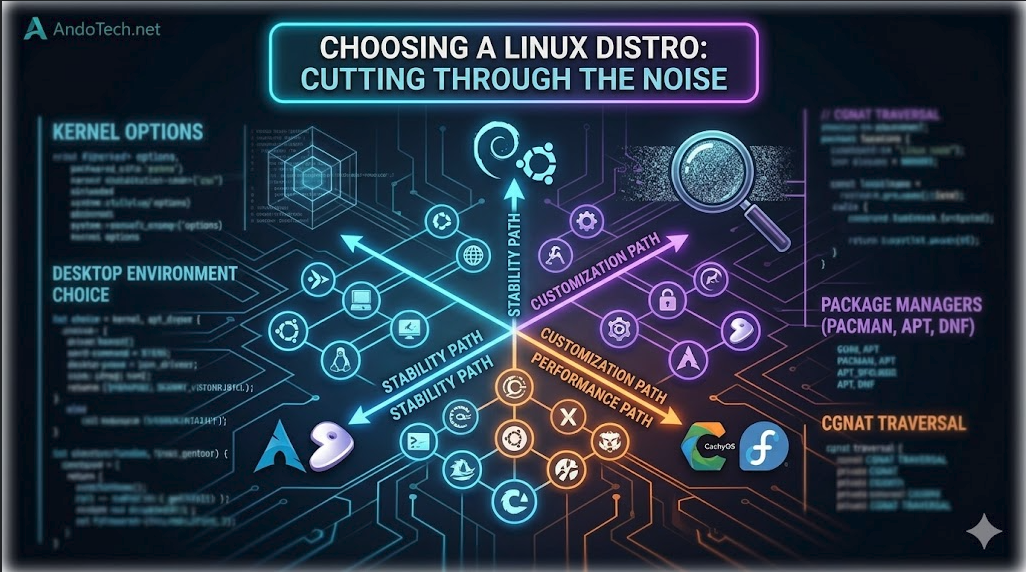
A technical conceptual diagram image for AndoTech showing a matrix of Linux distributions on a dark background with interconnected glowing pathways labeled 'Stability,' 'Performance,' and 'Customization,' visually illustrating a structured way to choose the right distro.

Introduction If you ask ten Linux users which distribution (“distro”) you should install, you will get ten different answers. The sheer volume of choices can be paralyzing. You’ll see beautiful screenshots of customized desktops, hear passionate debates about package managers, and read endless forum threads defending one operating system over another. But here is the … Read more

Linux Boot Managers: GRUB vs. systemd-boot.

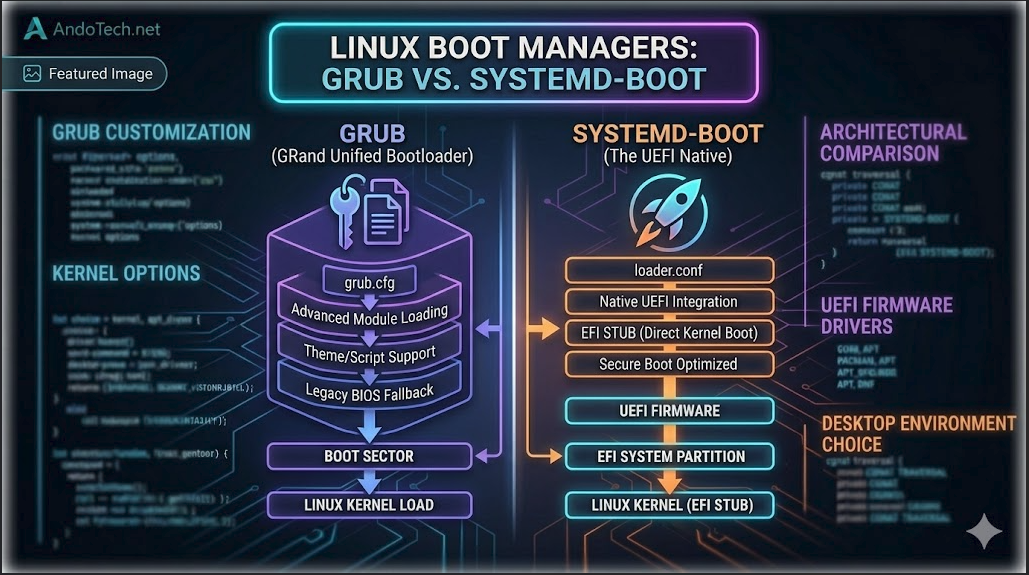
A technical conceptual diagram for AndoTech, visually comparing the architectures of GRUB and systemd-boot on a dark background. The left side (GRUB) shows a deep, customized software stack, while the right side (systemd-boot) illustrates a simplified, integrated EFI pipeline.

Introduction When you make the switch from Windows to Linux, one of the first major architectural changes you encounter happens before your desktop even loads. On Windows, the boot process is entirely locked away behind a proprietary black box. On Linux, you have total control over the software that hands the keys to your operating … Read more

Installation and Configuration Guide for Hyprland

A Linux terminal displaying custom text configuration files for the Hyprland tiling environment.

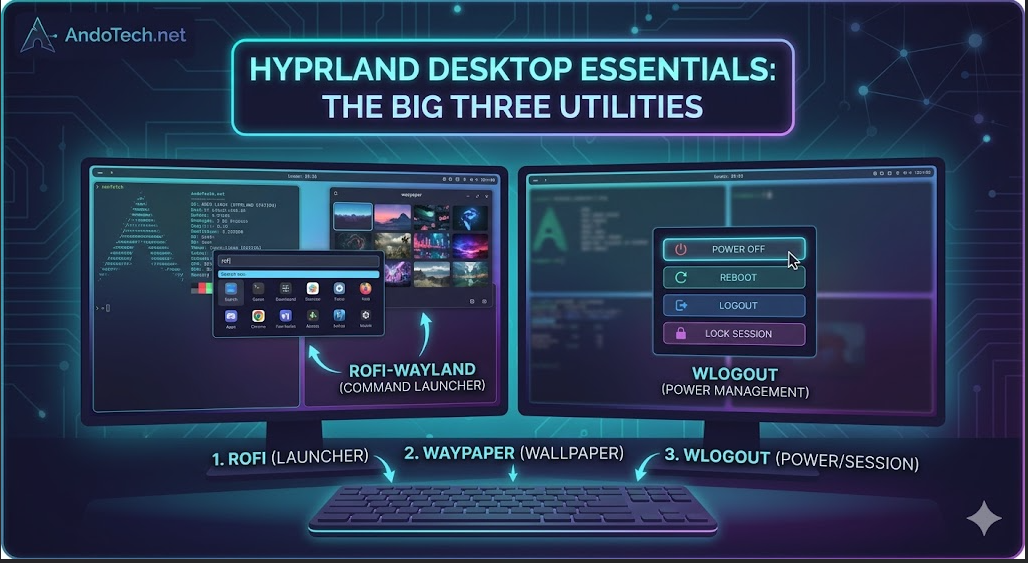
Here is a complete, master installation and configuration guide for Hyprland, specifically tailored to include crucial extras (like the Polkit agent fix) and standard performance components for an Arch/CachyOS system. Core Ecosystem Components: Fixing the “Root Application / GParted” Crash Quirk By default, Wayland blocks applications running with root privileges (like GParted or Timeshift) from … Read more

KDE Plasma Best for Customization

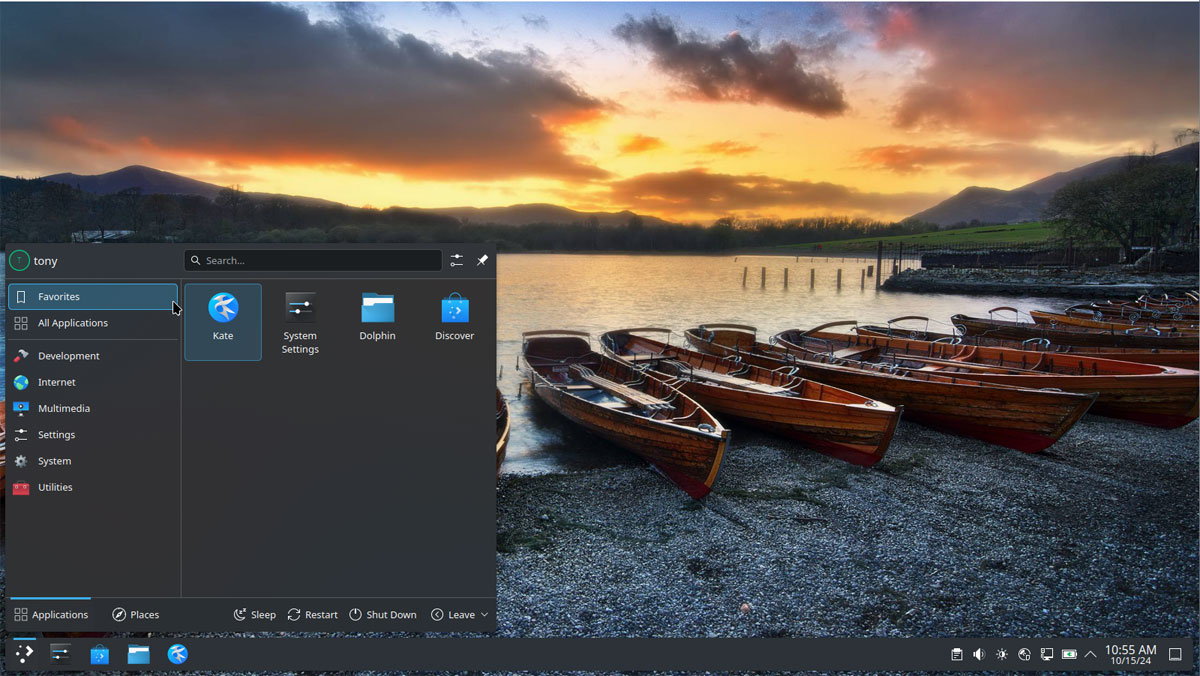
A clean showcase of the default out of the box desktop layout for KDE Plasma.

Why Choose KDE Plasma? KDE Plasma offers a sleek, modern, and deeply customizable interface designed for both performance and productivity. It introduces robust window management, fluid animations, and highly responsive user navigation. Running natively on Wayland, Plasma ensures smooth multi-monitor support, excellent fractional scaling, and stellar application launch times while maintaining remarkably low system resource … Read more