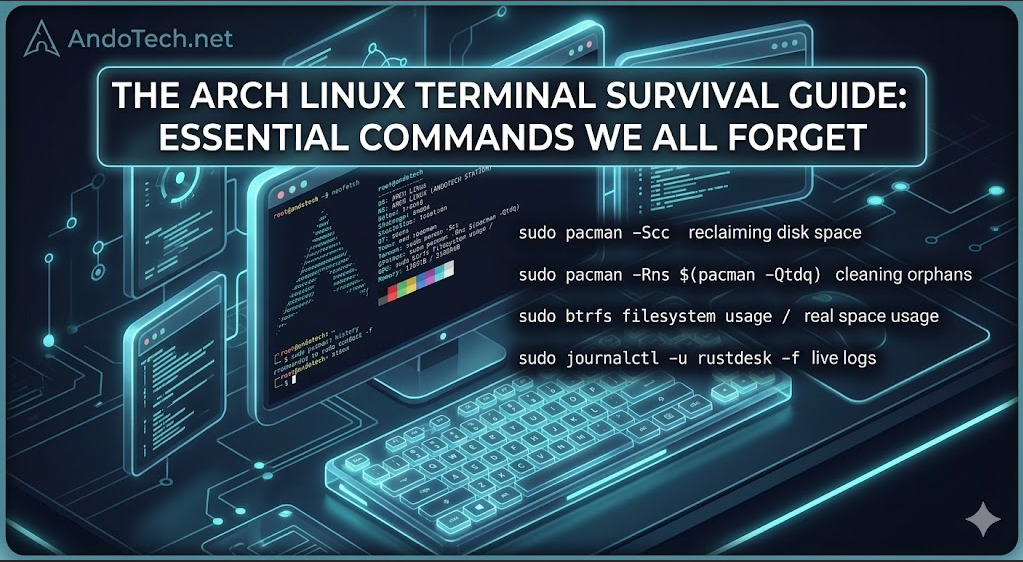
The Arch Linux Terminal Survival Guide: Essential Commands We All Forget

A dark neon tech banner showing a Linux terminal screen with an open neofetch layout and a quick cheat sheet list of essential Arch Linux pacman, btrfs, and systemd commands.

Introduction The Arch Linux command line is incredibly powerful, but let’s be honest: nobody memorizes everything. Between obscure pacman package manager flags, systemd troubleshooting syntaxes, and the specific layouts required for modern copy-on-write filesystems like Btrfs, it’s completely normal to blank on a command from time to time. Whether you are running a pure Arch … Read more

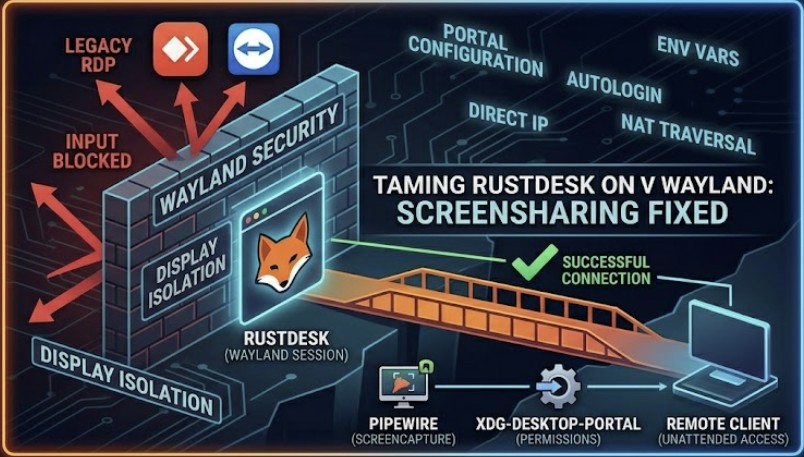
Taming RustDesk on Wayland: How to Fix Screensharing and Input Issues

A technical diagram showing RustDesk bypassing a Wayland security wall to connect a remote client using PipeWire and XDG desktop portals.

Here is the complete, cohesive, ready-to-publish article. It brings together the backend Wayland configurations, the local environment tweaks, and the network troubleshooting fixes for when connections stall even when you are both active at the terminal. Introduction In our last post, we looked at how the Linux ecosystem’s massive migration to Wayland has turned the … Read more

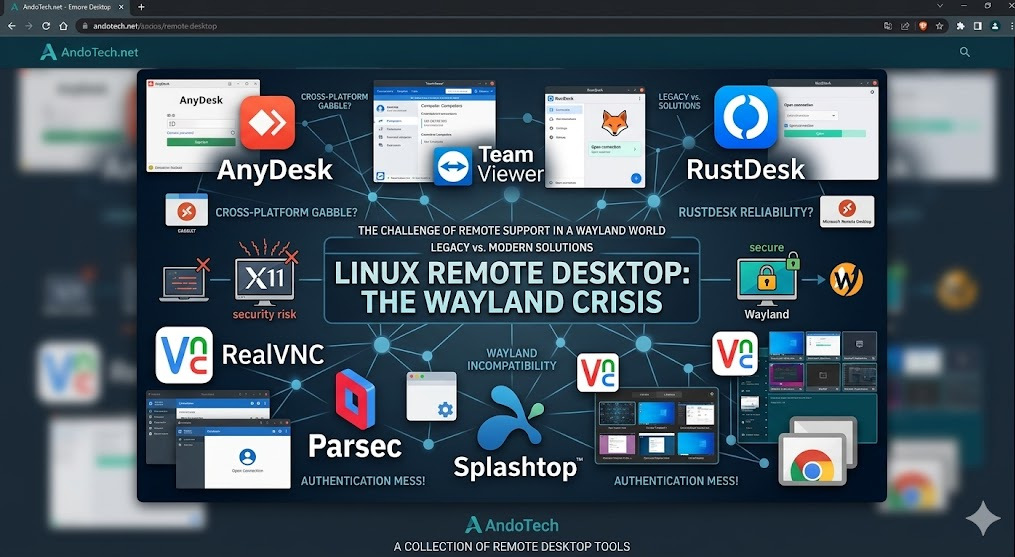
Wayland Linux Remote Desktop is Currently a Crisis

A collage network graphic showing major remote support brands like AnyDesk, TeamViewer, and RustDesk under a Wayland title.

Introduction For over three decades, Linux graphical interfaces relied on a piece of foundational software called X11 (or Xorg). It handled drawing windows on your screen, tracking your mouse clicks, and managing input. But X11 is ancient, bloated, and fundamentally insecure. Enter Waylandβ€”the modern, lightweight, secure successor that has now become the default display protocol … Read more

Desktops vs. Tiling Window Managers

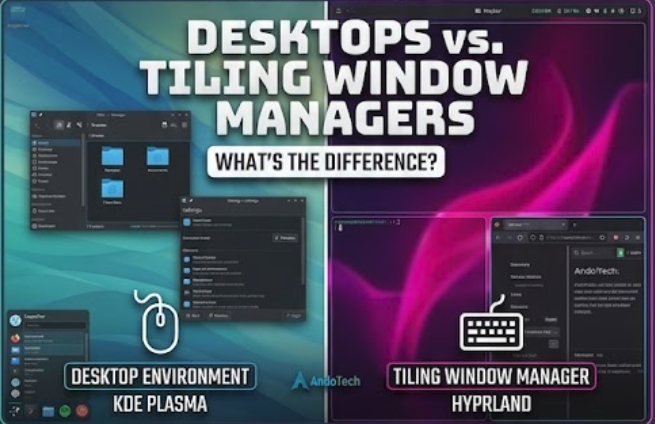
A side by side comparison banner showing the floating windows of KDE Plasma next to the tiling layout grid of Hyprland.

What’s the Difference? Introduction When you install a mainstream Linux distribution like Linux Mint or Fedora, you are greeted with a complete, ready-to-use visual interface. You have a taskbar, an application menu, a system tray, and windows that you can drag around with your mouse. But as you explore the Linux landscape, you will inevitably … Read more

Choosing a Linux Distro: Cutting Through the Noise

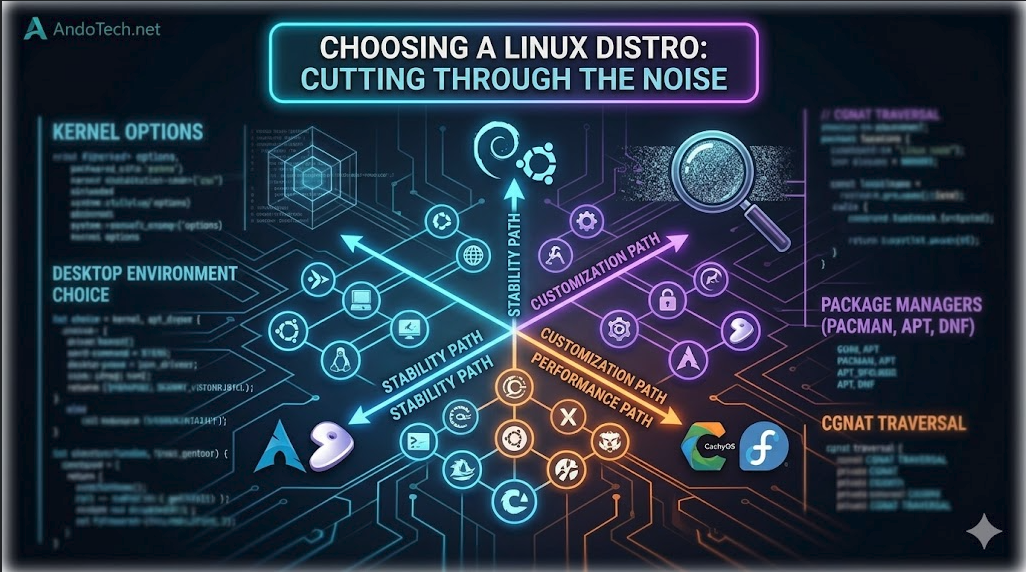
A technical conceptual diagram image for AndoTech showing a matrix of Linux distributions on a dark background with interconnected glowing pathways labeled 'Stability,' 'Performance,' and 'Customization,' visually illustrating a structured way to choose the right distro.

Introduction If you ask ten Linux users which distribution (“distro”) you should install, you will get ten different answers. The sheer volume of choices can be paralyzing. You’ll see beautiful screenshots of customized desktops, hear passionate debates about package managers, and read endless forum threads defending one operating system over another. But here is the … Read more

Linux Boot Managers: GRUB vs. systemd-boot.

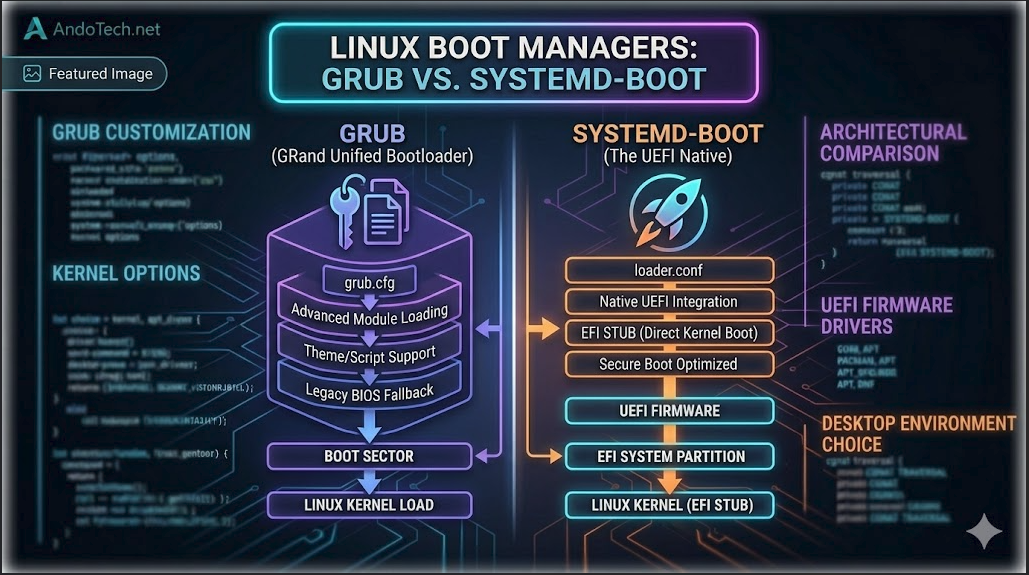
A technical conceptual diagram for AndoTech, visually comparing the architectures of GRUB and systemd-boot on a dark background. The left side (GRUB) shows a deep, customized software stack, while the right side (systemd-boot) illustrates a simplified, integrated EFI pipeline.

Introduction When you make the switch from Windows to Linux, one of the first major architectural changes you encounter happens before your desktop even loads. On Windows, the boot process is entirely locked away behind a proprietary black box. On Linux, you have total control over the software that hands the keys to your operating … Read more

Timeshift Backup for Linux

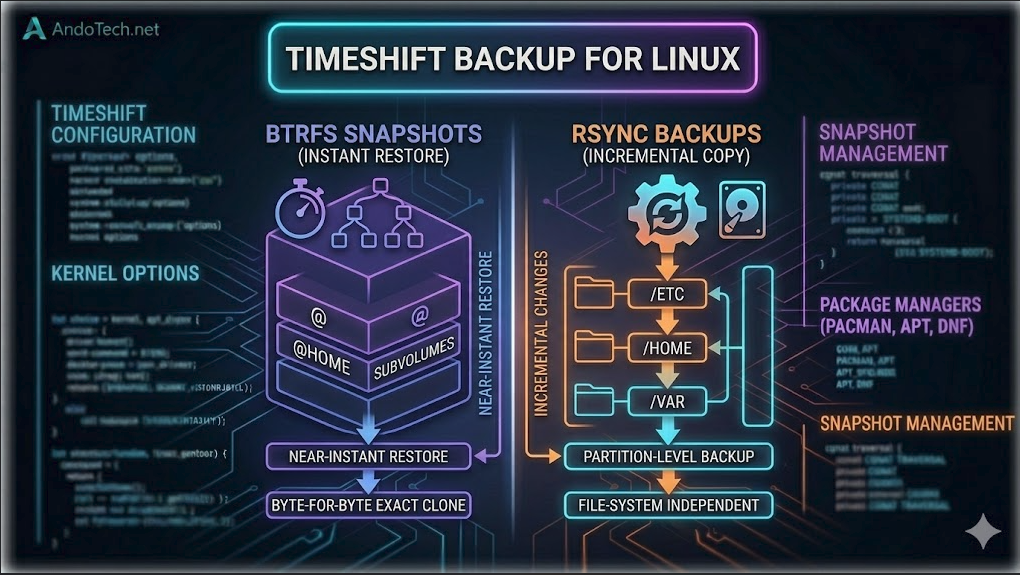
A technical conceptual diagram for AndoTech comparing Timeshift backup systems. The left side displays native Btrfs subvolume snapshots (@ and @home) for instant system restores, while the right side maps out Rsync incremental directory file copies over standard partitions.

What is Timeshift backup Timeshift Backup for Linux What is Timeshift Backup? Creating reliable backups is crucial for maintaining stability on Linux systems. Timeshift offers a powerful backup solution, providing an easy and effective way to manage system snapshots. Unlike traditional backup tools that back up personal files, Timeshift focuses exclusively on system files and … Read more

Installation and Configuration Guide for Hyprland

A Linux terminal displaying custom text configuration files for the Hyprland tiling environment.

Here is a complete, master installation and configuration guide for Hyprland, specifically tailored to include crucial extras (like the Polkit agent fix) and standard performance components for an Arch/CachyOS system. Core Ecosystem Components: Fixing the “Root Application / GParted” Crash Quirk By default, Wayland blocks applications running with root privileges (like GParted or Timeshift) from … Read more

Step by Step Guide to Installing a Hypervisor

An abstract digital graphic representing virtual machines and KVM hypervisor technology.

Here is a complete, hands-on installation walkthrough for setting up a high-performance KVM and QEMU virtualization environment natively on a CachyOS/Arch Linux host system. Step 1: Update the Host System Before installing low-level kernel virtualization modules, ensure your host system and performance kernels are fully up to date: Step 2: Install the Virtualization Stack Instead … Read more